

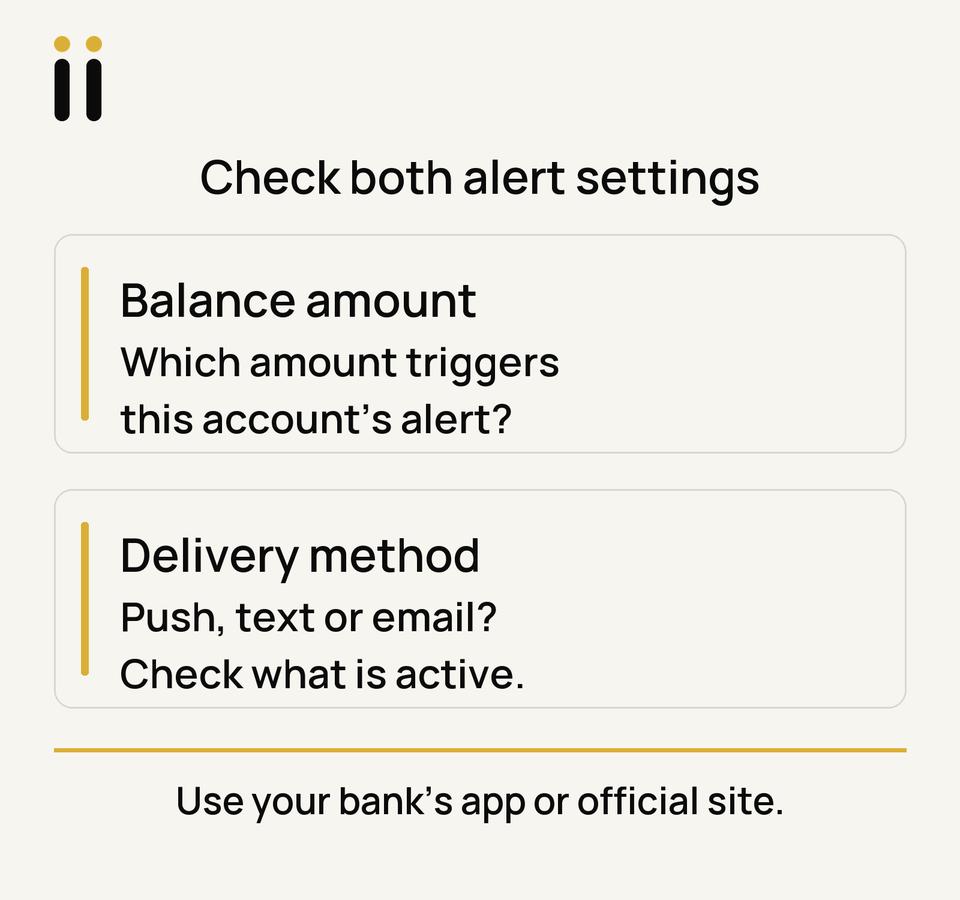
To change a low-balance alert, open your bank’s app or a web address you typed yourself, then check the amount and delivery method in alert settings. If you missed an alert, check those settings and your contact details. Do not follow a link in a message that claims to be from your bank.
What does the $100 setting mean?
For a personal chequing or savings account at a federally regulated bank or federal credit union, a low-balance alert is set to $100 by default. You can choose a different amount through online or mobile banking. It concerns a balance falling below the set amount; it is not a bill reminder or payment confirmation. The Financial Consumer Agency of Canada (FCAC) explains the rule.
For another kind of institution, ask which alerts it offers and where to manage them. Choose an amount that helps you notice a balance change you want to check.
Where to change the amount and delivery
In your bank’s alerts or notifications settings, review the amount and delivery method together. Save the choice and check what the bank shows as active. Menus can change.
- RBC: Its Alert Centre FAQ says you can change the threshold and delivery preferences in Alert Centre through Online Banking or RBC Mobile. Check that your email address or mobile number is current.
- TD: Its current threshold-alert instructions point to Notifications & Alerts from the profile icon at the top right of EasyWeb, or TD Alerts from the app’s More menu. Look for the threshold alert there and confirm its saved settings.
- Another bank: Look for Alerts or Notifications in its app or official website. If needed, use the contact route on its official site or your bank card.
An alert gives you a reason to look at the account. It does not replace a bill reminder or payment confirmation, so keep those checks if you rely on them. Use a payday and bill calendar to see upcoming bills alongside pay dates.
If an expected alert did not arrive
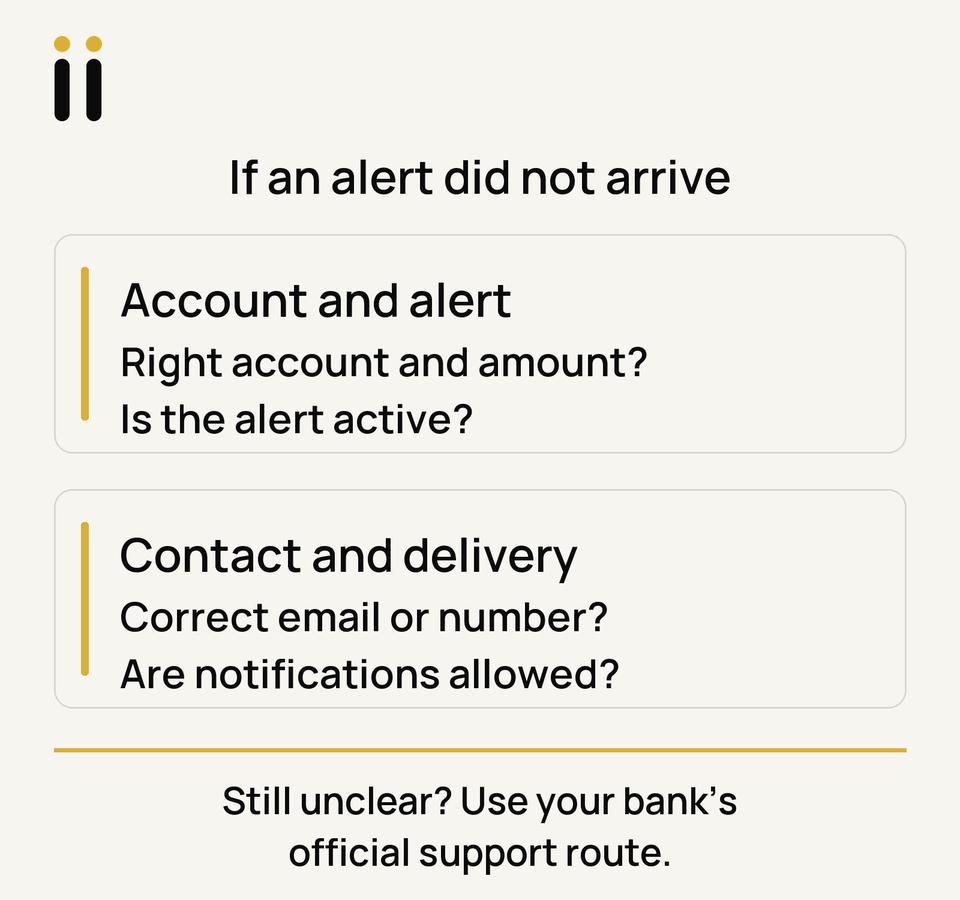
First, open the account directly and compare its balance with that account’s saved alert amount. Make sure the alert is active for the intended account. A balance change does not show whether a notification was delivered.
Next, check your bank profile’s email address or mobile number and the selected push, text, or email method. Available methods depend on the bank and your preferences. For RBC, check Do Not Disturb or Suspend: RBC says these can queue alerts. Review device notification permissions or filtered messages. If the gap remains, contact your bank through its official route with the saved setting and approximate time. Avoid sending account details through an unsolicited message.
If you notice an unfamiliar transaction while checking the account, follow the steps in what to check when a bill looks wrong. If a payment was returned or a fee has already appeared, read the separate NSF fee guide; an alert setting cannot establish why that happened or reverse it.
Official FCAC, RBC and TD pages checked October 9, 2026. Recheck your bank’s current menus and alert terms when you make a change.
Romii is Coming Soon in Ontario for small, temporary cash-flow gaps. Applications are not open. You can join the waitlist for launch updates; Romii does not provide the bank alerts described here.
Related articles
- Automatic payments or bill reminders explains the different job of a payment reminder.
- Make a payday and bill calendar places upcoming bills beside pay dates.
- NSF fees in Canada covers next steps if a payment was returned or a fee appeared.